How to Choose a MagSafe Wallet: A Buyer’s Guide for Australians
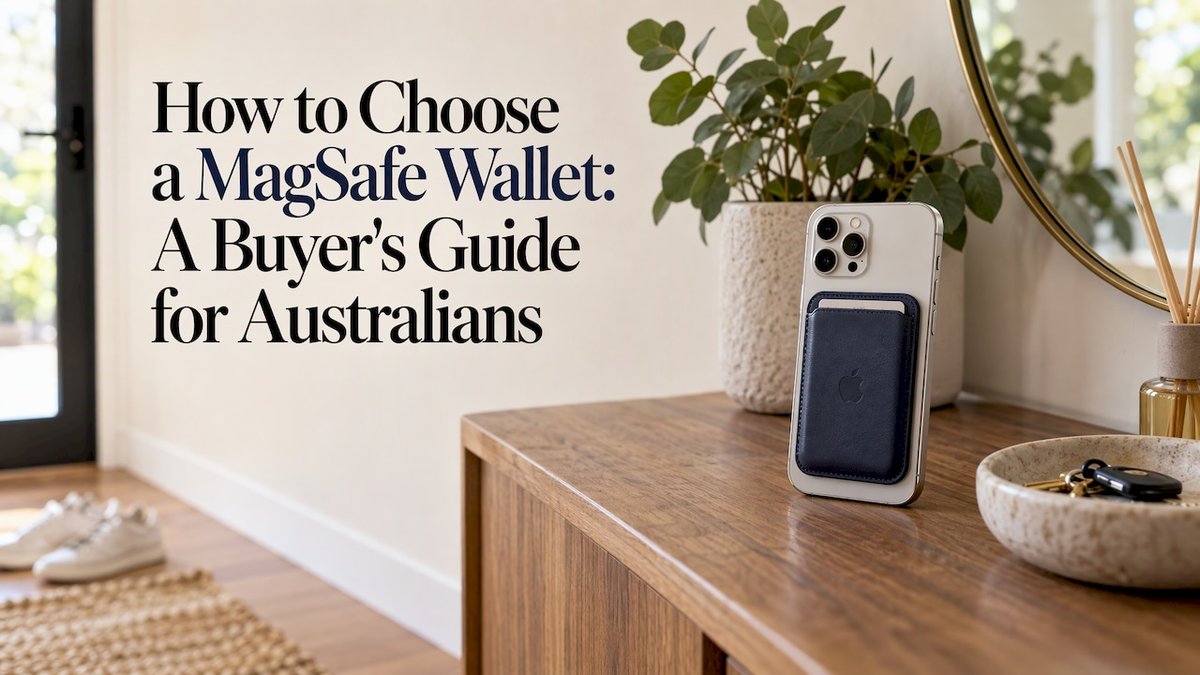
The right MagSafe wallet is one that matches your iPhone, works with your case, holds the cards you actually carry (usually two or three) and is built from materials that will survive a year of pockets and bags. Get those four things right and the rest, colour, texture, finish, is the fun part. This guide walks through each decision in the order you should make it.
TL;DR
- Check your iPhone supports MagSafe, then check your case has its own ring of magnets. A non-MagSafe case means a weak grip.
- Two to three cards is the practical sweet spot. More cards means a bulkier, looser wallet.
- Look at construction: a firm structure, quality leather or similar outer material, and a card pocket that holds cards without them slipping out.
- A built-in stand is handy for video calls and watching content, but only if you will actually use it.
- Our MagSafe wallets start at $49 and are designed to match our phone cases. See the range.
Table of Contents
- Start with your iPhone and your case
- How many cards do you really carry?
- Materials and construction: what makes one last
- Test the fit when it arrives
- Wallet with a stand, or without?
- Choosing a style you will enjoy using
- Caring for your wallet so it lasts
- Perspective: why we pair wallets with cases
- Our MagSafe wallets and matching accessories
- A quick checklist before you buy
- FAQ
- Sources
Start with your iPhone and your case
Every other decision depends on this one, so do it first.
MagSafe is built into the iPhone 12, 13, 14, 15, 16 and 17 ranges (the iPhone 16e is the exception), as well as the iPhone 17e and iPhone Air, according to Wired’s wallet testing. The iPhone 16e needs a MagSafe case to use magnetic accessories. If your phone is older than the iPhone 12, a magnetic wallet will not attach on its own, and you would need a case with magnets built in.
The case is where most people trip up. Wired notes that if you use a non-MagSafe case, the connection will be very weak and the accessory may simply slide off your iPhone. It also advises making sure the product description clearly says MagSafe or Qi2 support.
A few practical rules:
- Read the case description, not just the photo. Wireless charging compatibility alone does not mean the case has magnets. Look for wording that says the case is compatible with MagSafe accessories or has a built-in magnet ring.
- Avoid thick, rigid add-ons between phone and wallet. The more material between the two sets of magnets, the weaker the hold.
- Match the wallet to the case you will really use. If you swap cases seasonally, make sure each one is magnetic.
If you are still choosing a case, our phone cases are made for iPhone, Samsung and Pixel with dual-layer drop protection, and you can pair one with a wallet from the same range. We also cover the wider picture in our guide to choosing MagSafe-compatible accessories in Australia.
What about Samsung and Pixel?
MagSafe is an Apple system, so the magnetic wallet question mainly applies to iPhone. If you have a Samsung or Pixel phone, a magnetic wallet works when your case has a magnet ring built in. Check the case listing for that detail before you buy a wallet.
How many cards do you really carry?
Be honest about this. Most of us carry a debit card, a credit card and perhaps a licence or transit card. Australian phones now handle most payments through tap-to-pay, which is why a slim phone wallet suits so many people.
Capacity matters because the magnets are doing all the work. In one professional review of an aluminium-and-leather MagSafe wallet, the wallet comfortably held up to four cards and weighed 68 grams. That is a good benchmark: a well-built wallet can hold four cards, but the thinner the stack, the more secure the attachment.
A practical way to decide:
| What you carry | What to look for |
|---|---|
| One or two cards, tap-to-pay everything | A slim sleeve or open pocket, the lightest option |
| Two to three cards (most people) | A standard pocket that holds cards snugly without stretching |
| Four cards or more, plus cash | Rethink it: a bag, or a separate wallet, will serve you better |
The temptation is to cram in one more card. Resist it. A thick stack pulls on the magnets, adds bulk to your pocket and makes the phone awkward to hold. Choose a wallet for the cards you carry on an ordinary day, not for the worst-case day.
Cards that leave the house less often
If you keep a Medicare card, a gym pass or a spare card for emergencies, leave those at home or in a separate cardholder. Your wallet will stay thinner and your phone will sit more securely.
Materials and construction: what makes one last
A wallet that falls apart after a few months is the most common complaint from buyers. It usually comes down to construction. Here is what to look at.

The outer material. Leather, vegan leather and silicone are all common. Leather develops character with use; vegan leather is easier to wipe clean; silicone is grippy and simple. Whichever you pick, run your thumb along the edges and stitching. Clean, even finishing is a good sign.
The structure. A wallet needs some rigidity to keep its magnets flat against the phone. If it flexes or folds easily, the magnet contact weakens. Metal framing, as in the aluminium-framed wallet in that review, is one way to get strength without weight, while a firm backing board inside a leather wrap is another.
Moving parts. Hinges and snap closures give a satisfying feel, but the same review raises the question of long-term hinge durability with repeated use. The fewer moving parts, the less there is to wear out. If you choose a wallet with a mechanism, pick one that feels firm and consistent when you open and close it.
The card pocket. Cards should slide in with a little resistance and stay put when you turn the phone upside down gently. If they drop out easily when new, they will only get looser.

Charging. Thick or metal layers can get in the way of wireless charging. If you charge on a MagSafe or Qi2 pad overnight, the simplest approach is to take the wallet off first. That also lets the phone sit properly against the charger.
A note on RFID
Magnets do not block RFID signals on their own. If RFID shielding matters to you, look for a wallet that specifically says it has it, and remember that shielding layers can affect charging.
Test the fit when it arrives
Once it is in your hands, a few quick checks tell you how it will behave in daily life. Wired’s reviewer describes using hers as a primary wallet, and her checks are sensible: the wallet should snap on firmly and stay on when you pull the phone from a pocket, bag or jacket, and the cards should sit well in the sleeve without falling out. She also looks for wallets that feel durable, are easy to use and can hold at least two to three cards.
Try this routine:
- Attach the wallet to your phone and let the magnets settle.
- Slide the phone in and out of your usual pocket or bag a few times.
- Add and remove a card, noting how the wallet behaves.
- Check the position: the wallet should sit centred on the back of the case.
Two cautions. Do not shake the phone to test the magnets, and do not lift the phone by the wallet. Magnetic attachment is there for convenience, not as a drop-prevention guarantee. Your case does the protecting, which is why we pair our wallets with dual-layer drop-protection cases.
Wallet with a stand, or without?
Some MagSafe wallets double as a kickstand. That is a real convenience in a few situations:
- Watching videos on the train, a plane tray or a desk.
- Video calls where you want your hands free.
- Following a recipe in the kitchen.
The trade-offs are mostly about shape. A stand mechanism adds a bit of thickness, and a wallet designed to fold or prop may have fewer card slots. If you mostly use your phone one-handed and rarely prop it up, a simple, slim wallet is probably the better fit. If you prop it up daily, a stand is worth having, so look at how stable it is on a flat surface and whether it works in both portrait and landscape.
If you want hands-free viewing without a stand on the wallet, a magnetic grip is another option worth considering, since it also gives you something to hold on to.
Choosing a style you will enjoy using
You will see this accessory every time you pick up your phone, so it should look the way you want it to.
- Colour. Match your case for a coordinated look, or pick a contrast. Neutrals such as black, tan and stone go with nearly everything.
- Texture. Smooth, pebbled and soft-touch finishes feel different in the hand. Pebbled finishes tend to show fewer scuffs.
- Size and shape. The wallet should sit inside the footprint of the magnet ring without overhanging the edges of your phone.
- Limited editions. If originality matters to you, a small-run design means you are less likely to see the same wallet on someone else.
At MONTE, our designs are made in limited runs, and the wallets are made to coordinate with our cases and other accessories. You can browse pieces such as the Stone and Rococo designs to see how a coordinated look comes together.
Caring for your wallet so it lasts
A few habits go a long way:
- Wipe it down. A slightly damp, soft cloth handles most marks. Let it dry fully before putting cards back in.
- Keep leather happy. Avoid leaving it in a hot car or in direct sun for long stretches, and keep it away from harsh cleaners.
- Take it off for charging. It prevents heat build-up and lets the phone charge efficiently.
- Clear out the pocket. Dust and grit between the wallet and the case can scratch both, so wipe both surfaces occasionally.
- Do not overstuff it. A wallet built for three cards will wear out sooner if it holds five.
- Keep it away from other magnets. Do not leave it stuck to other magnetic items for long periods.
Perspective: why we pair wallets with cases
We design our MagSafe wallets alongside our phone cases because the two only work well as a pair. A wallet is only as good as the grip it has on the case beneath it, and a case should look as good with the wallet on as it does without.
That is why we focus on coordinated colourways and limited runs. You should not have to choose between a phone that looks considered and one that is protected. Our cases are built with dual-layer protection to withstand drops, and the wallet, grip and strap are there to make daily life easier, not to compete with the case.
If you are unsure where to start, begin with the case, then add the wallet that goes with it. It is the simplest way to end up with a setup that looks intentional and feels solid.
Josua
Our MagSafe wallets and matching accessories
Our MagSafe wallets cost $49 and come in a range of designs and colourways made to sit alongside our cases. If you want the full look, our custom bundle options let you mix and match styles and accessories.

A few other prices to help you plan a bundle:
| Product | Price |
|---|---|
| Phone case | $79 |
| MagSafe wallet | $49 |
| AirPods case | $39 |
| AirPods Max case | $49 |
| iPad case | $109 |
| MacBook case | $99 |
| Phone strap | $29 |
| Ring holder | $19 |
| Magnetic grip | $44 |
Prices are as published on our site. For the current range and availability, see our shop.
A quick checklist before you buy
- Is my iPhone MagSafe-compatible (iPhone 12 or later, bar the 16e without a MagSafe case)?
- Does my case have a magnet ring and say so?
- How many cards do I carry on a normal day?
- Does the wallet feel firm, with clean stitching and a snug card pocket?
- Do I want a stand, and will I use it?
- Does the style suit my case and my taste?
If you can answer all six, you are ready to choose.
FAQ
Will a MagSafe wallet work with any phone case?
No. The case needs its own ring of magnets, otherwise the connection is very weak and the wallet may slide off. Look for wording such as compatible with MagSafe accessories in the case description. Wireless charging support alone does not guarantee a magnetic fit.
How many cards can a MagSafe wallet hold?
Most hold two to four cards. Two to three is the comfortable range for most people, because adding more makes the wallet bulkier and puts more strain on the magnets. If you need to carry more, a separate wallet or bag is a better home for the extras.
Can I charge my iPhone with the wallet attached?
Often you can, but thick or metal layers between the phone and charger can slow charging and create heat. The simplest approach is to take the wallet off while you charge, especially overnight on a MagSafe or Qi2 charger.
Does a MagSafe wallet protect my cards from RFID skimming?
Not by itself. Magnets do not block RFID signals. Shielding needs a dedicated layer built for the purpose, so look for wallets that state it clearly if it matters to you.