How to Choose MagSafe-Compatible Accessories in Australia
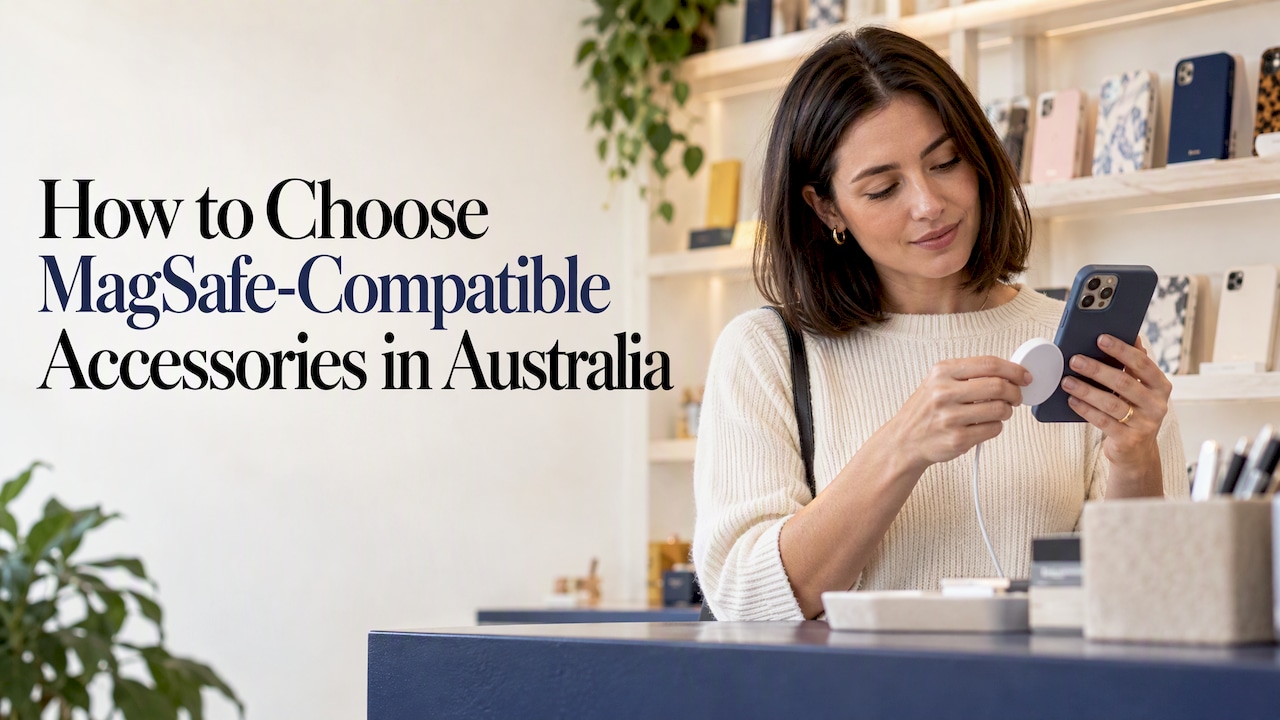
Choose MagSafe-compatible accessories by checking three things in order: your phone, your case and the certification or charging standard on the box. iPhone 12 and newer have the magnet ring built in. Most other phones need a magnetic case to join in. Once that is sorted, pick the accessory that fixes a daily annoyance, whether that’s carrying cards, holding the phone one-handed or charging at your desk.
TL;DR
- MagSafe is built into iPhone 12 and every later iPhone range. An Android phone or an older iPhone needs a magnetic case or a stick-on magnet ring.
- “MagSafe-compatible” describes magnets that line up with the iPhone ring. It doesn’t promise Apple-level charging speed.
- Thin cases let magnets grip well. Thick, bulky or metal-backed cases weaken the hold and slow wireless charging.
- Start with the accessory that solves your most frequent problem: a wallet, a grip, a car mount or a charger.
- Buy chargers and power banks from brands that publish safety certification, and keep strong magnets away from small children.
Table of Contents
- What “MagSafe-compatible” actually means
- Which phones work with MagSafe accessories
- Will accessories still work through a case?
- The main types of MagSafe accessories
- How to decide: five questions
- Our perspective
- Safety when using magnetic accessories
- Build a set that works together
- Shop the matching range
- Common mistakes to avoid
- FAQ
- Sources
What “MagSafe-compatible” actually means
MagSafe is Apple’s magnetic system: a ring of magnets inside the back of the phone, plus a matching ring on chargers and accessories. An accessory sold as “MagSafe-compatible” or “for MagSafe” is made by a third party to line up with that ring. It snaps on, stays put and can be pulled off with a firm tug.
The label covers two separate things, and they get mixed up:
- Magnetic attachment. Wallets, grips, stands and mounts only need magnets that sit in the right place and are strong enough to hold. There is no electronics involved, so “compatible” is usually all you need.
- Charging. This is where the wording matters. A genuine Apple MagSafe charger identifies itself to the phone and delivers the advertised power. AppleInsider explains that a magnetic charger which only follows standard Qi may deliver ordinary Qi-level charging instead. It snaps on neatly, but it may not charge as fast as the box implies.
So read the packaging for the charging wattage and the standard it names. If you only want something to carry cards or prop your phone up, you can skip that worry entirely.
Which phones work with MagSafe accessories
iPhones
The iPhone 12 series was the first with the magnet ring. According to Tom’s Guide, the iPhone 12, 13, 14, 15, 16 and 17 ranges all support MagSafe, including the mini, Plus, Pro, Pro Max and Air versions. The same article notes that the iPhone 16e and the iPhone SE were left out. If you own one of those, you’re in the same position as an older-iPhone or Android owner and need a magnetic case.

Android phones
Android phones don’t have Apple’s ring, but the magnetic idea has spread through the Qi2 charging standard. Recent reporting says the Pixel 10 range uses Pixelsnap magnets with Qi2 charging, and that Samsung’s Galaxy S26 supports Qi2 when paired with a compatible magnetic case. For other Android phones, the usual route is a magnetic case, or a thin magnetic ring stuck to the back of the phone or case.
Two practical notes for Android owners:
- A magnetic case lines the magnets up for you. A stick-on ring can sit slightly off-centre, so place it carefully, and remember it can interfere with wireless charging if it sits between the coils.
- Check the exact model on the accessory’s listing. “Selected Samsung devices” on a product page means exactly that: selected.
A quick compatibility check
| Your phone | What you need for magnetic accessories |
|---|---|
| iPhone 12 to 17 ranges | Nothing extra, though a thin case keeps the grip strong |
| iPhone 16e, SE or iPhone 11 and older | A magnetic case or stick-on ring |
| Pixel 10 range | Built for Pixelsnap, so look for Pixelsnap or Qi2 labelling |
| Galaxy S26 range | A Qi2-ready magnetic case |
| Other Android phones | A magnetic case or stick-on ring |
The table is a starting point. Always confirm the model on the accessory’s own page before ordering.
Will accessories still work through a case?
This is the question that catches most buyers out. Magnets weaken quickly with distance, so every extra millimetre between the accessory and the phone reduces the grip.
Australian tech site Pickr tested this and found thinner cases more likely to work with MagSafe chargers than thicker ones. The same logic applies to wallets and grips: a slim case holds them well, while a heavy rugged shell may let a loaded wallet slide off.
When you’re choosing a case with magnetic accessories in mind, look for:
- Magnets built into the case. Cases made for MagSafe have a ring that realigns the pull through the material.
- A slim, even back. Raised patterns, thick grips or metal plates get in the way.
- Protection that suits your day. A magnet-friendly case should still cover the corners and camera. Our guide to choosing a phone case that fits your phone and style goes through the fit details, and phone case materials explains how each material affects feel and protection.
- No metal in the way. Metal plates, card-holder backs and some kickstands can block both magnets and wireless charging.
A simple test in a shop or at home: attach a wallet or grip, hold the phone upside down and give it a gentle shake over a soft surface. If it slips, the case is too thick or the accessory too heavy.
The main types of MagSafe accessories
Wallets and card holders
The most popular first buy. A magnetic wallet holds a few cards and cash on the back of your phone, which suits anyone who heads out with just a phone and a card. Keep it to the cards you’d actually tap, because a thick stack lifts the phone off the case and puts strain on the magnets. Our MagSafe wallets are made to match our case designs, so the phone and wallet look like one piece.

Grips and ring holders
A magnetic grip gives your fingers something to hold and doubles as a stand for video calls and watching shows. The advantage over a permanent stick-on grip is that it comes off when you want to charge wirelessly or slip the phone into a pocket. See our magnetic grips if you want a snap-on option.
Wireless chargers and power banks
A magnetic charger aligns the coils for you, so you don’t have to hunt for the sweet spot on a pad. Check three details: the charging standard named on the box, the wattage, and whether the cable and plug are included. Slim magnetic power banks suit travel, but they run warmer than plain cables, so don’t leave one charging under a pillow.
Car mounts
A magnetic vent or dash mount is quick, because you drop the phone in place with one hand. Check that the magnet is strong enough for your case and that the mount doesn’t block the vent entirely in summer. Make sure you follow your state’s rules on holding and mounting a phone while driving.
Stands and desk accessories
Folding stands, ring lights and desk docks all attach the same way. They’re worth it if you do a lot of video calls or filming, and less so if you rarely put your phone down.
Cases for other gear
Magnets aren’t just for phones. Matching cases for your wider kit keep a consistent look: AirPods cases, AirPods Max cases and MacBook cases all sit alongside a phone case in a coordinated set. If you’re weighing headphone protection, our AirPods Max case buyer’s guide covers what to look for.
How to decide: five questions
- What do you do most days? Pay for coffee, commute, work from a desk, film content? Choose the accessory that removes your most frequent bit of friction.
- How slim is your case? If you want a thicker, rugged one, test with the accessory you most want to use.
- Do you need charging or just attachment? Attachment is simple. Charging requires a read of the specs.
- How does it look with your case? A matching wallet or grip looks deliberate, not like an afterthought.
- What will it cost over time? One well-chosen accessory used daily is better value than three that sit in a drawer.
If you’re buying for someone else, our phone accessories gift ideas are sorted by budget, and a wallet or grip is a safe choice for most phone owners.
Our perspective
Most people choose a case first and think about accessories later, and that’s backwards. The case decides how well anything magnetic will work, so we design with the whole setup in mind.
Our cases use a dual-layer build designed to handle drops, and we release designs in limited runs so the look stays distinctive. A matching wallet, grip or AirPods case is meant to make the whole set feel considered, instead of a pile of mismatched bits.
Our advice: pick one accessory you’ll use every day, check it against your exact phone model, and choose a design you still like in six months. Colour and finish matter as much as magnet strength, because you look at your phone dozens of times a day.
Josua
Safety when using magnetic accessories
Magnetic accessories are safe for everyday use when you treat them sensibly. A few points where it pays to be careful:
- Chargers and power banks. The ACCC’s lithium-ion battery report says poor-quality batteries, unsafe charging, heat, moisture and damage can lead to fires or explosions. It recommends using a charger suited to your device, charging away from combustible materials, and stopping use if the battery overheats, swells, leaks or vents. Buy from sellers who list the safety certification, and avoid unbranded bargains.
- Heat. If a phone and charger get unusually hot, unplug and take the case off. A very thick case or a metal plate is a common cause.
- Small magnets and children. The ACCC named small high-powered magnets as a product-safety priority in 2022, mainly because of the risk to young children. Keep loose magnetic rings and stickers out of reach of little ones, and check that magnets are fixed firmly inside the product.
- Cards. Standard bank cards with chips and contactless generally cope with phone magnets, but keep older magnetic-stripe cards such as some hotel keys in a separate pocket.
If you have a pacemaker or other implanted medical device, speak to your cardiologist or device clinic before keeping magnets close to your chest, for example in a shirt pocket.
Build a set that works together
When you buy accessories as a set, compatibility questions mostly disappear. Here is how we’d put one together at current MONTE prices at the time of writing:
| Item | Price | What it does |
|---|---|---|
| Phone case | $79 | Dual-layer protection and the base for everything else |
| MagSafe wallet | $49 | Cards and cash on the back of the phone |
| Magnetic grip | $44 | One-handed hold and a stand |
| AirPods case | $39 | Protects your earbuds and matches the phone |
You don’t need all four. Start with the case and one accessory, then add more when you know what you reach for.
Shop the matching range
We make stylish phone cases for iPhone, Samsung and Pixel, and match them with wallets, grips, AirPods cases, iPad cases, Kindle cases and more, all in limited-run designs and colourways. Start with a MONTE phone case from $79 and add a MagSafe wallet for $49 to complete the look.

If you’re travelling soon, our guide on protecting your phone while travelling covers what to pack alongside it.
Common mistakes to avoid
- Buying the accessory before checking the case. A great wallet on a thick case will fall off.
- Assuming every magnetic charger is fast. Look at the wattage and the standard on the packaging.
- Overloading a wallet. Two or three cards is plenty. More weight means a weaker hold.
- Ignoring the model list. Accessories list supported models, and the iPhone 16e and SE are often excluded.
- Choosing on price alone. A very cheap magnet may be weak, and a cheap charger raises the safety issues above.
FAQ
What are MagSafe-compatible accessories?
They’re wallets, grips, stands, mounts, chargers and power banks built with magnets that line up with the ring in the back of an iPhone 12 or later. Some also work with Android phones that have a magnetic case or a Qi2 magnetic design. They attach by magnet alone, so there’s no cable or clip.
Does “compatible with MagSafe” mean the same as Apple MagSafe?
Not necessarily. Compatible means the magnets line up. For chargers, the difference can show up in charging speed, because a magnetic Qi charger may only deliver standard Qi power. Check the wattage and standard on the packaging.
Can I use MagSafe accessories with a normal case?
Sometimes. Thinner cases are more likely to work, and thick or metal-backed cases usually weaken the grip. If you want to use magnetic accessories daily, choose a case built with magnets or a slim one you’ve tested.
Can Android phones use MagSafe accessories?
Yes, with the right setup. Some phones such as the Pixel 10 range are built for magnetic Qi2 accessories, and others need a magnetic case or a stick-on ring. Check the model on the product page first.
Are there any downsides or safety concerns?
The main ones are heat and battery quality for chargers and power banks, and small magnets around young children. Use a charger suited to your device, stop using anything that overheats or swells, and keep loose magnets away from kids, in line with ACCC guidance.
Sources
- Don’t let third parties confuse you about Apple’s MagSafe (AppleInsider)
- Does MagSafe work with phone cases not made with MagSafe in mind? (Pickr)
- Lithium-ion batteries and consumer product safety (ACCC)
- ACCC Product Safety Priorities announced at National Consumer Congress
- What is Apple MagSafe, and which iPhones support it? (Tom’s Guide)
- Best Qi2-Compatible Phones, Accessories to Buy in 2026 (Analytics Insight)