AirPods Case Sizes: Dimensions for Every Model
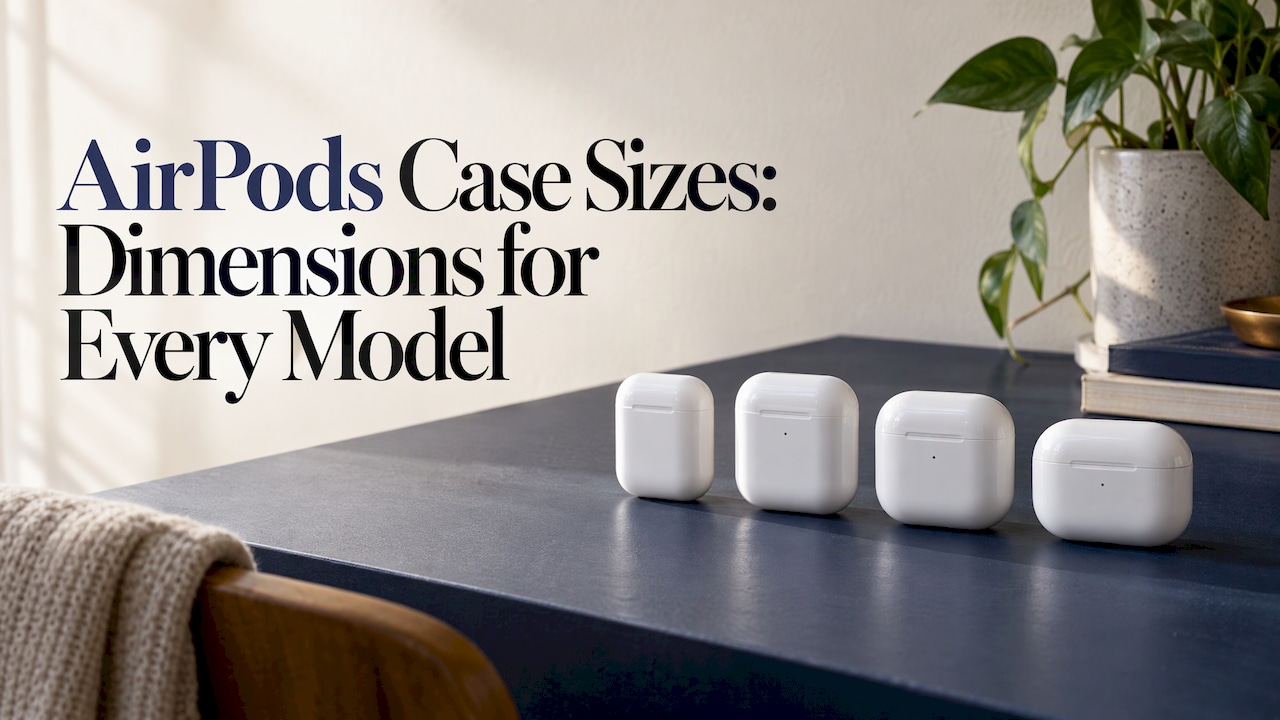
AirPods cases are not one size. AirPods 1 and 2 share the same case dimensions, but AirPods 3, AirPods 4, AirPods Pro 2 and AirPods Pro 3 each have their own shape. A protective case made for one will not reliably fit another, even when they look alike. The safe way to buy is to identify your exact model first, then match the case to it. This guide gives the published dimensions, shows which generations are interchangeable, and walks you through checking your model number.
TL;DR
- AirPods 1 and AirPods 2 charging cases have identical published dimensions: 44.3 mm wide, 21.3 mm deep and 53.5 mm tall.
- AirPods 4 has a much squatter case (46.2 mm tall, 50.1 mm wide) than AirPods 2 (53.5 mm tall, 44.3 mm wide).
- AirPods Pro 2 and Pro 3 cases are different sizes, so a Pro 2 cover is not a safe bet for a Pro 3.
- Find your model number (the A-number) in Apple’s identification guide before you order any case.
- Sizes are only half the story: lanyard loops, speaker holes and charging ports also need to line up.
Table of Contents
- Why AirPods case sizes matter when you buy a cover
- AirPods case dimensions by model
- How to check which AirPods model you have
- Why two cases that look alike still might not fit
- Which models share a size: a quick cheat sheet
- What to look for in a protective case
- Our view: size first, style second
- Shop AirPods cases that match your style
- Case sizes for other devices
- FAQ
- Sources
Why AirPods case sizes matter when you buy a cover
A protective cover for AirPods is moulded around the charging case. It has cut-outs for the charging port, the hinge and, on some models, the status light and speaker. A few millimetres of difference in height or depth is enough to make a lid sit open or a cover refuse to go on.
That is why “AirPods case” searches so often end in returns. People buy by the name on the box (“AirPods”) rather than the generation. Apple has sold at least six distinct case shapes since 2016, and the names have not always made the differences obvious.
Before comparing sizes, one clarification. In this article, “case size” means the charging case, the thing that holds the earbuds. The earbuds themselves are separate, and Apple’s help guidance is that each case is only compatible with its intended generation or model. Backmarket’s help centre explains that even if the shape looks similar, earbuds from one generation will not pair correctly with a case from another.
AirPods case dimensions by model
The table below lists the figures we could confirm from Apple’s own tech specs pages, plus the figures a technology publication reported for the Pro models. Measurements are height x width x depth.
| Model | Charging case size | Source |
|---|---|---|
| AirPods (1st generation) | 53.5 x 44.3 x 21.3 mm (2.11 x 1.74 x 0.84 in) | Apple tech specs |
| AirPods (2nd generation) | 53.5 x 44.3 x 21.3 mm | Apple Australia tech specs |
| AirPods 4 (USB-C) | 46.2 x 50.1 x 21.2 mm (1.82 x 1.97 x 0.83 in) | Apple tech specs |
| AirPods Pro (2nd generation) | 1.78 x 2.39 x 0.85 in as reported (width, height, depth) | AppleInsider comparison |
| AirPods Pro (3rd generation) | 1.86 x 2.45 x 0.86 in as reported (width, height, depth) | AppleInsider comparison |
Two things stand out. First, the older standard cases are tall and narrow, while the AirPods 4 case is wider than it is tall. Second, the Pro cases are noticeably bigger in every direction than the standard cases, because they hold earbuds with silicone tips.
AirPods 1 and 2: the same case size
Yes, the first- and second-generation cases match. Apple’s published figures for the first generation and second generation both come out at 44.3 mm wide, 21.3 mm deep and 53.5 mm tall. The difference between the two is the weight Apple lists: 38 g for the first generation case and 38.2 g for the second generation Lightning case.
There is one wrinkle. The second generation was sold with either a standard Lightning case or a Wireless Charging Case. Apple’s page for the Wireless Charging Case lists the same 44.3 by 21.3 by 53.5 mm footprint, at 40 grams, and confirms it works with AirPods 1 and 2. So a cover designed for the second generation should suit either version, provided it has a cut-out for the status light in the right place. Check the listing for that detail.

AirPods 3 and AirPods 4: do they share a case?
We would not treat them as interchangeable. The AirPods 4 case, per Apple, is 46.2 mm tall and 50.1 mm wide. A publication that compared the earlier third-generation case put its dimensions at roughly 54 mm tall and 46 mm wide, a different orientation, which is consistent with the general rule that each generation has its own shape. The AirPods 4 also comes in two versions (standard and with active noise cancellation), and Apple’s identification page lists a separate model number for the noise-cancelling AirPods 4 case.
If you own AirPods 3 or AirPods 4, buy a cover listed for that exact generation and skip anything marked “AirPods 3/4” unless the seller states both are covered.
AirPods 3 and AirPods Pro: different cases
The AirPods 3 case and the original AirPods Pro case are not the same size or shape. One retailer’s comparison puts the AirPods 3 case at 1.83 x 0.84 x 2.14 inches and the AirPods Pro at 1.8 x 0.9 x 2.4 inches, which means the Pro case is deeper and about a quarter of an inch taller. That is enough to stop a standard cover from closing properly.
AirPods Pro 2 and AirPods Pro 3: not the same size
The Pro 3 case is slightly bigger. AppleInsider reports the Pro 3 case at 1.86 x 2.45 x 0.86 inches against 1.78 x 2.39 x 0.85 inches for the Pro 2. The gap is a few hundredths of an inch in depth and a bit more in width, but covers are cut with tight tolerances, so that is the margin where a tight fit becomes a loose one or a stretched one.

The Pro 3 case also includes a speaker and a lanyard loop, according to Apple’s specifications. A cover for the Pro 2 will not have the cut-outs in the right places for those features.
How to check which AirPods model you have
Do this before you add anything to your cart. It takes a minute.
- Look at the case. Open the lid and check the inside for a small printed model number, usually beginning with the letter A followed by four digits.
- Check your iPhone. With your AirPods connected, go to Settings, tap your AirPods name, then About. The model number is listed there.
- Match it to Apple’s list. Apple’s identify your AirPods page matches each A-number to a generation. For example, it lists A3059 for the AirPods 4 (noise cancelling) case and A3122 for the AirPods Pro 3 case.
- Note the connector. Pro 2 came with both Lightning and USB-C cases, and Backmarket warns that Lightning and USB-C parts are not cross-compatible. Standard and ANC versions of AirPods 4 are treated the same way.
- Write it down. Keep a note of the generation and A-number so you can compare it with the product listing.
Why two cases that look alike still might not fit
Similar silhouettes are the biggest trap. Reasons a cover can fail on a case that seems to be the right size:
- Port position. The Lightning or USB-C port sits in a particular spot on the base, and a cover with the cut-out in the wrong place blocks charging.
- Lid hinge and thickness. Even half a millimetre of extra depth stops a hard cover from closing.
- Lanyard loop. If your case has a loop, the cover needs a gap for it. If it doesn’t, a cover with a gap leaves a visible hole.
- Status light. Some older models have it on the front, others inside the lid. A cover must expose it, or you lose the charging indicator.
- Speaker holes. Newer cases with a built-in speaker for Find My need an open grille.
Read the product listing for the specific generation, and match the connector type and loop, not just the word “Pro”.
Which models share a size: a quick cheat sheet
- AirPods 1 and AirPods 2: same published size.
- AirPods 2 and AirPods 3: different. AirPods 3 is a new design.
- AirPods 3 and AirPods 4: treat as different. The 4 is squatter and wider.
- AirPods Pro 1 and AirPods 3: different.
- AirPods Pro 2 and AirPods Pro 3: different, though close.
- AirPods Pro vs AirPods 4: different. The Pro cases are taller and thicker.
When a seller claims a cover fits “all AirPods”, read that as marketing. The numbers above show there is no single size.
What to look for in a protective case
Once you know your size, the case itself comes next. A few practical points:
- Shell design. A cover should hold the case firmly, so it doesn’t slide off in a bag. Dual-layer builds, with a soft inner layer and a harder shell, are designed to cushion drops.
- Charging access. A wireless-charging case should still sit flat on a pad, so thin covers matter. If you charge by cable, the cut-out should be wide enough for your plug.
- Carry option. A carabiner or strap loop is handy if the case lives on a bag or keys.
- Matching style. Many people like their AirPods cover to match their phone case. For that, a look that is consistent across devices helps.
- Material. Different materials feel and wear differently. Our guide to phone case materials explains what each one does, and most of it applies to AirPods covers too.
Our view: size first, style second
We see the same mistake every month: someone falls for a design, then discovers it was cut for a different generation. The fix costs nothing. Find your A-number first, then browse.
At MONTE we make fashion-forward, limited-run cases with dual-layer protection designed to handle drops, and we make them for the devices people actually carry: phones, AirPods, AirPods Max, iPads and more. Because each design is produced in limited runs, the colourway you love may not be there next season, so it pays to know your size before you choose.
Our approach is to treat the AirPods cover as part of your look, not an afterthought. A matching phone case, MagSafe wallet and AirPods cover make a set, and our bundles are built to let you mix and match. If you wear over-ear headphones, the same size-first thinking applies, and we cover it in our AirPods Max case guide.
Josua
Shop AirPods cases that match your style
If you know your model, our AirPods cases start at $39. They are designed to protect against drops and are made in limited runs, so the designs stay original. Choose your generation on the product page and check the listing before you check out.

Want the full set? Pair your cover with a MagSafe wallet from $49, or a phone case at $79 in a coordinating design. If you use over-ear headphones, our AirPods Max cases are $49. For help with magnetic accessories, see our guide to MagSafe-compatible accessories.
Case sizes for other devices
AirPods are not the only device where size confusion costs people. If you also carry a Kindle or an iPad, the same rule applies: identify the model, then match the cover. Our Kindle case sizes guide explains how, and you can browse Kindle cases, iPad cases and MacBook cases once you know your model.
FAQ
Are AirPods 1 and 2 cases the same size?
Yes. Apple lists the same dimensions for both: 44.3 mm wide, 21.3 mm deep and 53.5 mm tall. A cover made for one will generally fit the other, as long as the cut-out for the status light and charging port matches your version. Check the listing for the wireless-charging variant.
Do AirPods 3 and 4 fit in the same case?
We would not assume so. The AirPods 4 case is wider than it is tall, at 46.2 mm tall and 50.1 mm wide, while the third generation has a taller shape. Backmarket’s guidance is that cases are only compatible with their intended generation. Buy a cover listed for your exact model.
Do AirPods 3 and AirPods Pro fit the same case?
No. The Pro case is deeper and taller than the AirPods 3 case, and the earbuds are shaped differently, so neither the charging case nor a cover swaps across. Choose the cover by generation and name.
Are AirPods Pro 2 and Pro 3 the same case size?
No. The Pro 3 case is slightly larger in width and height, and it has a speaker and lanyard loop. A Pro 2 cover will not line up properly, so buy one made for the Pro 3.
How do I find my AirPods model number?
Open the lid and look for the A-number printed inside, or check Settings, your AirPods, then About on a connected iPhone. Apple’s identification page then matches that number to your generation.
Sources
- AirPods 4 - Tech Specs, Apple Support
- AirPods 2 - Tech Specs, Apple Support (Australia)
- AirPods (2 and earlier) Wireless Charging Case - Tech Specs, Apple Support (Australia)
- AirPods 1 - Tech Specs, Apple Support
- Identify your AirPods, Apple Support (Australia)
- AirPods Pro 3 vs AirPods Pro 2, AppleInsider
- How do I buy a single compatible AirPod or case?, Backmarket Help Centre
- Is the AirPods 3 case the same as the AirPods Pro case?, TheGadgetBuyer