How to Protect Your Phone Camera Lens (Without Hurting Photos)
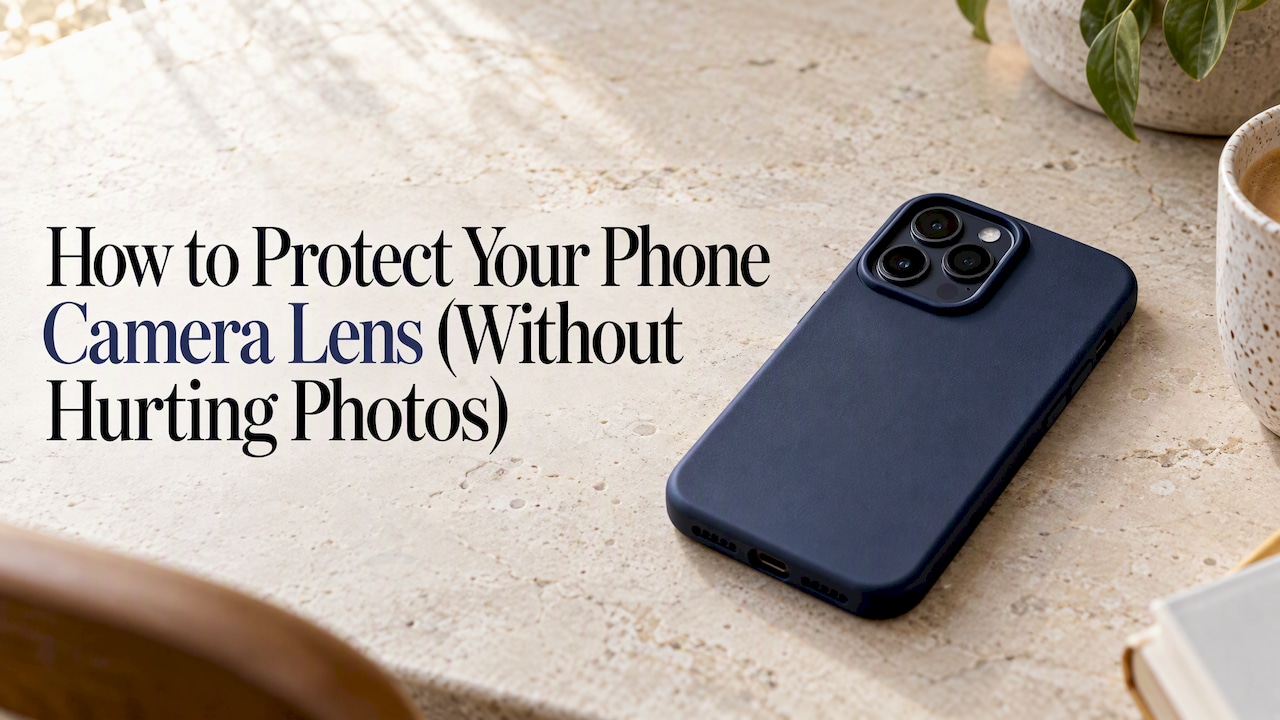
The best way to protect your phone camera lens is a good case with a raised edge around the camera, plus gentle cleaning with a soft cloth. That keeps the lens off flat surfaces, which is where most damage starts. Stick-on glass lens protectors are optional, and they come with a trade-off in photo quality that many people never hear about.
Below we cover what actually damages lenses, what a case with camera protection should have, when an add-on makes sense, what repairs cost in Australia, and how to clean a lens without making things worse.
TL;DR
- Modern flagship lenses are very scratch resistant, but they can still crack on a hard fall or when the phone lands camera-down on concrete.
- A case with a raised rim around the camera is the simplest protection, and it does not touch your photo quality.
- Adhesive lens protectors can add flare and reduce low-light and HDR performance, so think twice before adding one.
- Many “scratches” are just pocket lint or dye. Wipe gently with a lint-free cloth before you pay for a repair.
- A single lens glass repair is usually far cheaper than a full camera module, but both cost more than a good case.
Table of Contents
- What actually damages a phone camera lens
- The simplest protection: a case with a raised camera rim
- Should you add a lens protector?
- Quick comparison of your options
- What a repair costs in Australia
- Scratch or smudge? Check before you repair
- Perspective: why we think the case does the heavy lifting
- Protect the camera and the rest of your kit
- Everyday habits that protect your lens
- FAQ
- Sources
What actually damages a phone camera lens
It helps to know the enemy. Camera lens damage comes in three main forms, and each needs a different defence.
Scratches. Keys, sand, grit in a bag and gritty benchtops all do it. The good news is that the glass over the lens on many high-end phones is tough. Apple Community discussions note that sapphire glass sits around 9 on the Mohs hardness scale and resists scratching well. That is a user-forum summary rather than a spec sheet, so check your own model’s specifications, but the principle holds: everyday scratching is less of a threat than you might think.
Cracks and chips. Hardness is not the same as impact resistance. The same discussion points out that a lens can still shatter on a direct hit against a hard surface like concrete. This is the failure a case is best placed to prevent, because it comes down to which part of the phone touches the ground first.
Smudges, lint and residue. These are not damage at all, but they ruin photos and often get mistaken for scratches. A greasy fingerprint over the lens produces soft, hazy shots, and it takes ten seconds to fix.
There is also a fourth problem that no case can prevent: dust or moisture inside the camera module. If you see blurry spots in photos, Apple’s repair guidance on this topic points out that cleaning the outside will not fix contaminants trapped inside. That usually needs a professional, and sometimes a replacement module.
The simplest protection: a case with a raised camera rim
Phone cameras sit in a bump on the back. Put a phone down on a table with no case and the lens glass is among the first things to touch the surface. A good case changes that geometry.
The advice from the Apple Community thread is straightforward: use a durable case with a raised bezel around the camera, rather than covering the lenses themselves. The idea is that the case takes the contact, not the glass.
When you shop for a phone case with camera protection, check these points:
- A rim that stands proud of the lens. Place the case on a flat surface and look from the side. There should be visible clearance between the lens glass and the table.
- A cut-out that does not crowd the camera. If the opening is too tight, it can cause dark corners or flare in wide-angle shots.
- Drop protection that covers the corners. Impacts usually start at the corners and edges, so the camera area is only as safe as the structure around it.
- A fit for your exact model. Camera arrays differ between an iPhone, a Samsung and a Pixel. A generic case that is slightly off leaves gaps.
- A slim enough profile to live with. If you hate the case, you will take it off, and then the protection is zero.
Our own phone cases are built with dual-layer drop protection for iPhone, Samsung and Pixel, in limited-run designs. If you are choosing a case for the first time, our phone cases range lets you filter by your device so you start with the right fit.
Should you add a lens protector?
This is the question people ask most, and the honest answer is: usually not.
Adhesive lens protectors are thin pieces of glass or film stuck over each lens. They sound sensible, but there is a cost. Android Authority’s testing-based advice is that even decent add-ons can reduce light transmission, worsen lens flare and hurt dynamic range, especially in low light or HDR shots. Your phone’s optics were designed to work with nothing in front of them, and every extra layer of glass is another surface for light to bounce off.
The Apple Community advice lines up. A commonly repeated suggestion there is to avoid putting covers over the cameras because they can interfere with image quality.
When a lens protector might still make sense
- You often shoot in bright, controlled light and rarely use night mode, so flare matters less to you.
- Your work puts the phone in rough environments, such as a building site or a boat, where grit really is constant.
- You carry the phone loose with keys or coins and refuse to change that habit.
If you do add one, quality matters more than anything. Cheap protectors are where the worst flare and haze come from. Remove it and test a night shot with and without; if the difference is obvious, take it off.
Sliding camera covers: a different trade-off
A sliding cover built into a case is not the same as a permanent glass layer. Rolling Stone’s review of cases with built-in covers notes they protect the lens from debris and also give you physical privacy. Because you slide them open to shoot, nothing sits in front of the lens during a photo. The downside is one more moving part, and an extra step each time you want a quick shot.
Quick comparison of your options
| Option | Protects against | Effect on photos | Best for |
|---|---|---|---|
| Case with raised camera rim | Surface contact, scratches, many drops | None | Almost everyone |
| Adhesive glass lens protector | Scratches, some impacts | Possible flare, reduced low-light and HDR quality | Rough environments, bright-light shooters |
| Sliding camera cover | Dust, debris, prying eyes | None when open | Privacy-minded users |
| Microfiber cloth habit | Smudges and residue | Better photos | Everyone |
What a repair costs in Australia
The real argument for prevention is price. According to one Australian repairer, fixing a single scratched or cracked lens (glass only) typically runs from about $35 to $150, depending on the model and the shop. A full rear camera module replacement can range from about $120 to more than $299. A different Queensland repair listing shows a camera lens replacement at $150 for one device, so prices clearly vary by phone and provider.
Treat those as guides, not quotes. Prices change, and the newest models cost more to fix. Ask a repairer for a quote on your exact phone before you decide.
Set that against the cost of protection. Our phone cases are priced at $79, and a case also protects the screen edges, the corners and the back glass, not only the camera.

Scratch or smudge? Check before you repair
Before you book anything, make sure the problem is real. Many marks on a lens or camera housing are material transfer, such as denim dye or pocket lint, not damage. Apple’s guidance suggests that gentle cleaning with a slightly damp, lint-free cloth often removes these marks entirely.
How to clean a camera lens safely
- Power the phone off if you can, and take the case off.
- Use a clean, slightly damp, lint-free microfiber cloth.
- Wipe gently in one direction, then dry with a clean part of the cloth.
- Check the photo quality again. If the haze is gone, you are done.
What to avoid: compressed air and harsh chemicals. Apple’s advice is that they can push dust into the module or strip the oleophobic coating, which is the layer that repels oils and fingerprints. Skip lens wipes with alcohol-heavy formulas unless your manufacturer says they are safe for your phone.
If the spots still show in photos after a clean, especially when you zoom, the cause may be inside the module. That is when a repairer comes in. And if the phone has been wet and you see condensation behind the lens, let it dry fully first, as Apple Community staff have advised in a thread on condensation in the cameras. If it does not clear, see an authorised repairer.
Perspective: why we think the case does the heavy lifting
We make phone cases, so you can discount us if you like. But the logic is simple, and it comes from how people actually use their phones.
Most lens damage is not dramatic. It is the slow stuff: a phone put face-up on a bench, a phone dropped in a bag with keys, a phone that lands on its back on a path. In all of these, what matters is the first point of contact. A case designed with a protective structure around the camera area, rather than a thin skin that follows the phone’s shape, changes that point of contact.
That is why we focus on dual-layer protection. The outer layer is where the style lives, and we release designs in limited runs so they do not look like everyone else’s. The inner structure is what handles knocks. We want you to be able to choose a case you love looking at and still trust it when the phone slips out of your hand.
We would also rather be upfront: we do not tell people to stack extra layers over the lenses by default. The optics in a modern phone are carefully engineered, and a bad add-on can cost you photo quality for protection you may not need. Start with the case, keep the lens clean, and add something only if your situation really calls for it.
— User
Protect the camera and the rest of your kit
If you want a case that handles drops and looks good doing it, start with our phone cases for iPhone, Samsung and Pixel, priced at $79. Pick your device, choose a design and colourway, and you are set.
If you carry other gear, we make matching pieces so the whole kit looks like one set:
- AirPods cases at $39
- AirPods Max cases at $49
- MagSafe wallets at $49
- iPad cases at $109
- Kindle cases at $69
- MacBook cases at $99
We also sell a ring holder at $19, a phone strap at $29 and a magnetic grip at $44, all on our store home page. A strap or grip will not shield a lens directly, but a phone you hold more securely is a phone you drop less.
Everyday habits that protect your lens
Gear helps, but habits cost nothing.
- Put the phone down screen-down only on clean, soft surfaces, or better, in a case with a raised rim. With a camera bump, camera-down is the riskier side.
- Give your pockets and bags a quick check. Keys, coins and sand are the usual culprits.
- Wipe the lens before you shoot. It is the cheapest photo upgrade there is.
- Take the case off now and then and clean inside it. Grit trapped between the phone and the case can scratch the body, and it ends up around the camera too.
- Be careful at the beach. Sand and salt air are hard on any phone. Wipe gently with a damp, lint-free cloth rather than blowing on it or using compressed air.
- Avoid pressing your lens against rough surfaces for macro shots. Hold a little distance instead.
Tech Gear Lab’s testing notes that the best case depends on where your phone usually ends up, such as a back pocket, a bag or a tabletop. That is good advice for the camera too: a slimmer case for tight jeans, a chunkier rim if you toss it in a backpack.
FAQ
Should I use a camera lens protector?
For most people, no. A case with a raised rim covers the main risk without putting extra glass in front of the lens. Adhesive protectors can add flare and reduce low-light and HDR quality, so they suit only specific situations such as rough work environments.
How do I protect my phone camera lens from scratches?
Use a case with a rim that stands higher than the lens, avoid loose keys and grit in pockets, and wipe the lens with a clean microfiber cloth. Many marks that look like scratches are lint or dye and wipe off. If a mark stays after a gentle clean, ask a repairer to look at it.
Can you fix a scratched phone camera lens?
If the lens glass itself is scratched or cracked, a repairer can usually replace it. Australian prices for glass-only replacement are often quoted from about $35 to $150, and a full camera module costs more. Get a quote for your exact model, because prices vary by phone and shop.
Do cases with camera protection affect photo quality?
A properly fitted case with a raised rim should not, because nothing sits in front of the lens. Problems come from cut-outs that are too tight or cases that fit poorly, which can cause dark corners or flare. Check a test photo after fitting a new case, especially with wide-angle and night shots.
Why are my photos blurry if the lens looks clean?
If you have wiped the outside and spots or haze remain, especially when zooming, the cause may be dust or moisture inside the camera module. Cleaning cannot fix that. Take the phone to an authorised repairer for a diagnosis.
Sources
- Android Authority: cheap camera lens protectors
- Apple Community: protecting your iPhone screen and camera
- Apple Community: condensation in the cameras
- Apple Support: iPhone 15 Pro Max back glass repair guidance
- Rolling Stone: phone cases with camera covers
- Essential Tech Repairs: phone repairs, Sunshine Coast
- Three Best Rated: mobile phone repair in Gladstone QLD
- Tech Gear Lab: the best iPhone cases